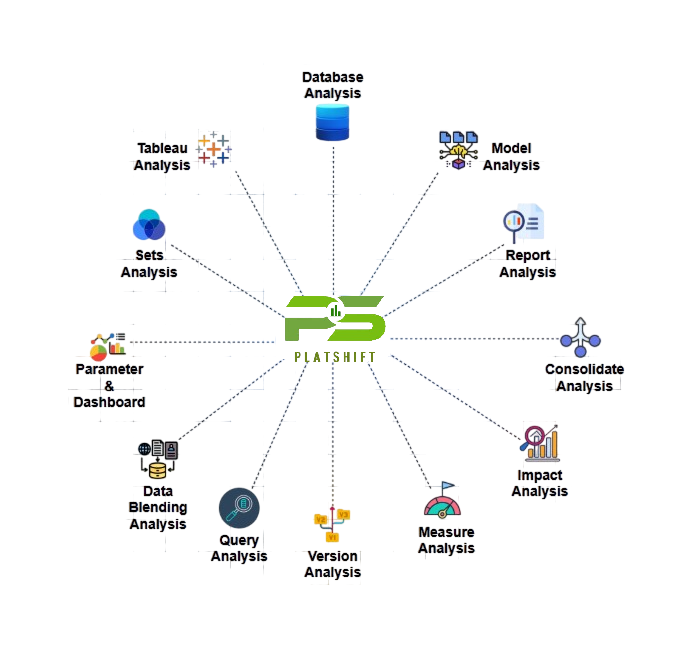
The PlatShift Tableau centralizes Tableau metadata to significantly improve efficiency and governance by enabling faster impact analysis through instant identification of dependencies between reports, data sources, and database objects. It enhances governance with clear visibility into measures, views, schema objects, and workbook sections, while reducing manual effort in documentation and validation. With proactive version control, it supports better quality and compliance by tracking report changes over time. Additionally, integrated Power BI dashboards provide strategic insights that help business leaders optimize cost, boost productivity, and accelerate decision-making.
Business Problem
-
 Manual Workbook Analysis & Documentation
Extracting data sources, worksheets, measures, and schema objects from Tableau manually is time-consuming and prone to errors.
-
 Lack of Centralized Visibility
No single place to view report dependencies, schema objects, and measures across multiple Tableau files. This leads to siloed knowledge and inefficiencies.
-
 Data Governance & Impact Analysis Gaps
Changes in underlying databases (tables/columns) are difficult to trace back to Tableau reports, creating risks in production environments.
-
 Version & Change Management Challenges
Teams lack insights into report evolution, making it harder to track modifications, validate changes, and ensure consistency across environments.
Productivity
Net Impact:
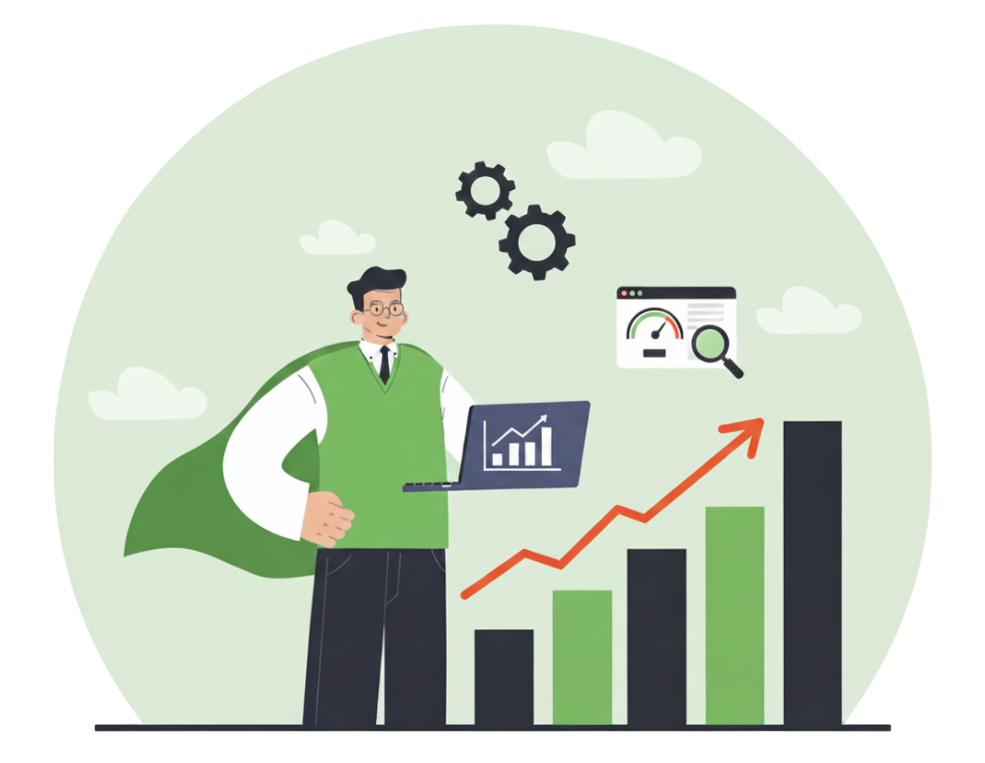
Automated parsing of Tableau workbooks, faster troubleshooting, and reduced duplication of effort. Optimized governance and analysis workflows compound into higher ROI and improved decision-making speed.
Key Drivers:
Automation of metadata extraction (from Tableau TWB files), centralized Power BI dashboards, and proactive version analysis.For a precise productivity estimate, correlate with current pain points (e.g., hours spent manually analyzing Tableau files and updating documentation).
User Perspective
View Tableau workbooks fully without opening Tableau Desktop.
Analyze .twb files and convert complex reports into searchable insights.
Explore data sources, tables, fields, worksheets, and visuals in one place.
Compare versions to track changes over time.
Improve data governance by detecting unused fields and dependencies.
Save time and reduce errors with automated analysis.
Extract metadata automatically and visualize it in Power BI.
Maintain data integrity with clean, well-documented reports.
Speed up analytics with fast, automated workbook insights.

Product Process
Data Collection
Collect the TWD file and gather all required metadata and structured information from Tableau.
Data Extraction
Extract all relevant data elements from the TWD file Like Measures, Queries, Dependencies, Database details, Sets, Data blending, Version.
Data Transformation
Transform the extracted data into a structured format and store it in SQL tables for efficient processing, governance, and analysis.
Report Generation
Use the SQL-stored data to build Power BI reports Like Measures, Query analysis, Consolidated metadata dashboards, Dependency tracking.
Explore the complete capabilities of PlatShift: Tableau with our interactive demo.
Try Live Demo